
The Engage Agent is our new tool to handle clinical calls between Engage Health products and the clinical systems, EMIS web and TPP SystmOne.
You can download the agent HERE
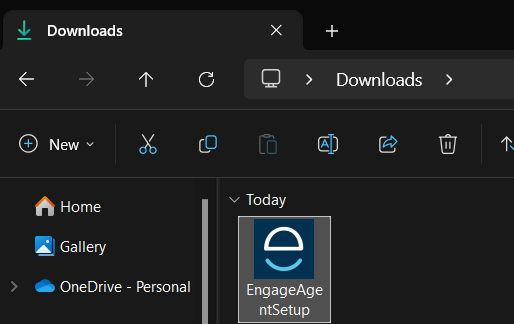
Once you download the agent simply naviate to your downloads folder and double click to run the installer
After the installation the Agent will automatically open a web browser, and navigate to the management page, if that doesn't open, you can copy and past "localhost:4648" into any web browser and press enter.
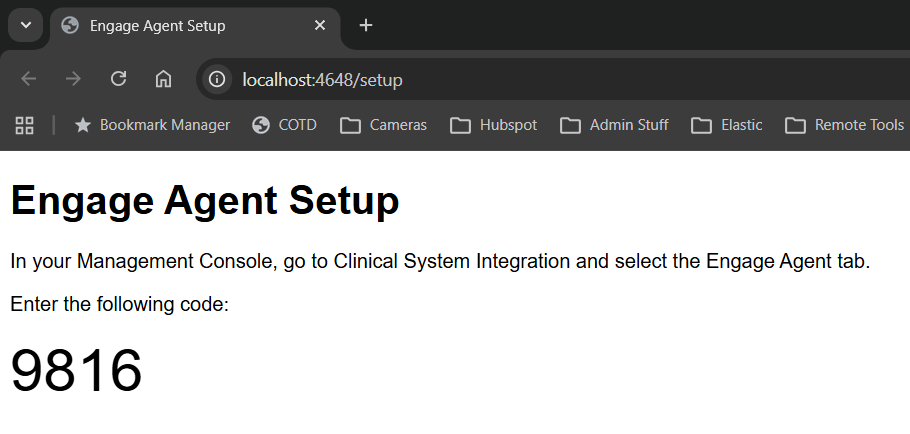
The setup page will display a 4 digit code, this is used to pair the agent up via your management console.
Activating the Engage Agent
To activate the you will need to use the Management Console inside the Engage Client.
For instructions on accessing the Management Console please see our guide here
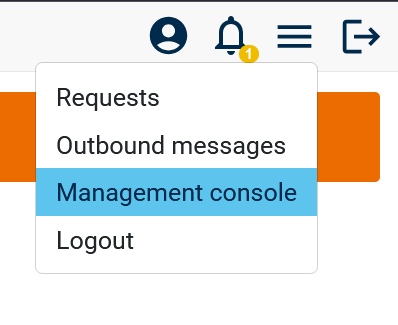
Once logged in you can access the management console from the top right burger menu
At the bottom of the left hand menu, you'll see the "Advanced" option, under there click "Clinical System Integration"
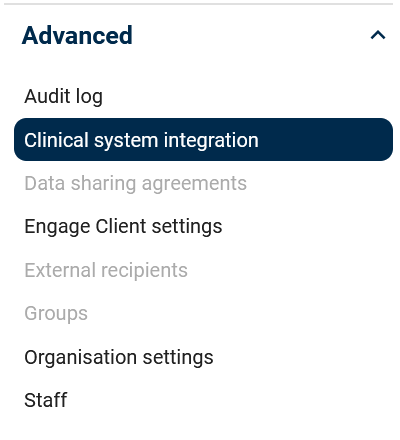
Then click across to the "Engage Agent" page
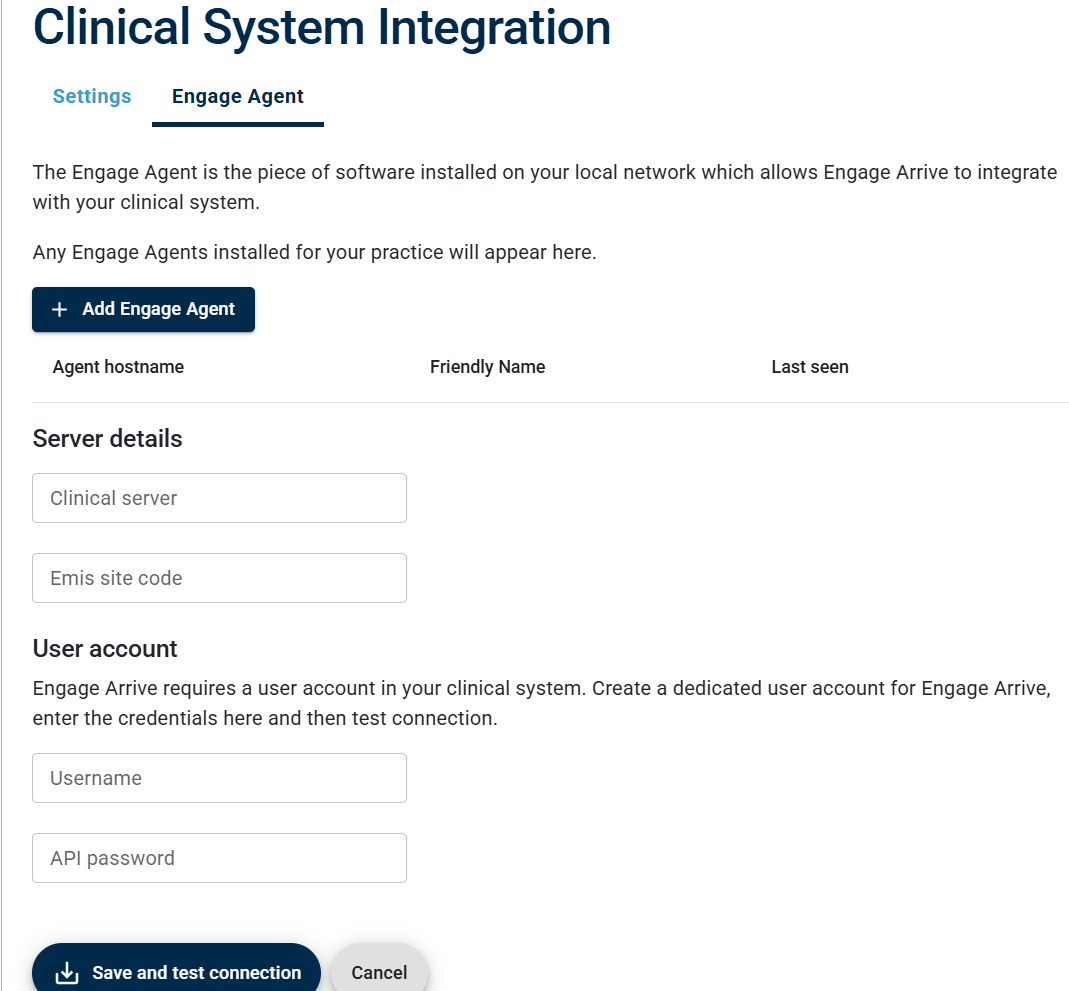
To activate the agent, click "Add Engage Agent" and enter the 4 digit code when prompted.
If you're installing the agent for engage arrive, you'll need to enable it within the management console.
for EMIS web users see our guide HERE
and for TPP SystmOne it's HERE