
Arrival Time Window
Within Engage Arrive you can configure how early and late patients will be able to self-arrive on the screen or via mobile.
The Arrival Time Window is managed from the Management Console, for guidance of on accessing the Management Console, see our guide here
Setting the Arrivals Window:
The settings for arrival times can be found under Basic Settings > Appointment Arrivals > General Settings.
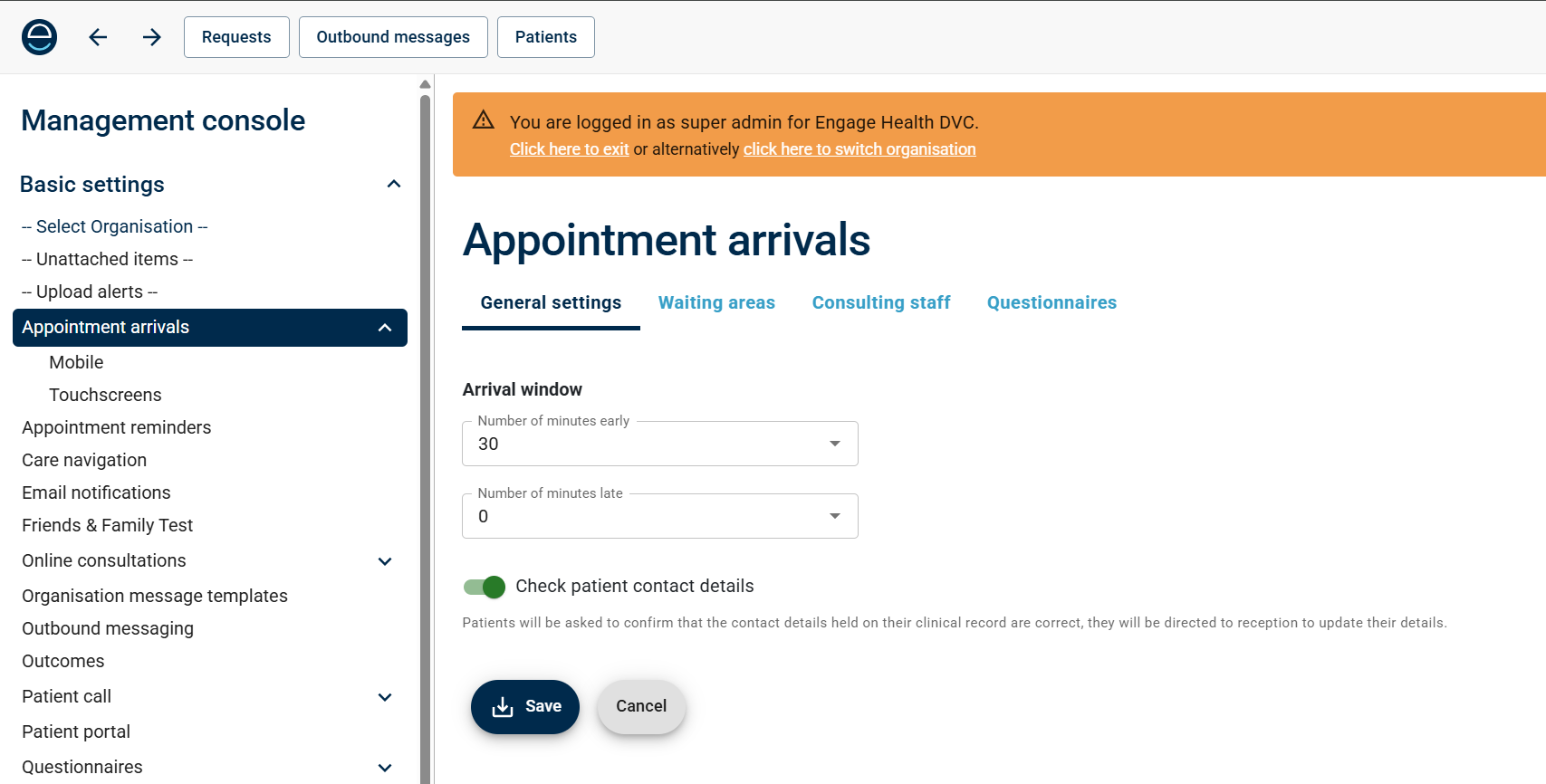
User the drop down menus to select how many minuets early and late patients will be able to arrive.
(Note: late arrivals will not override DNA flags in the clinical)
Once you've set the window, just click "Save" to save the changes.