
Engage Call
Sharing your waiting room TV
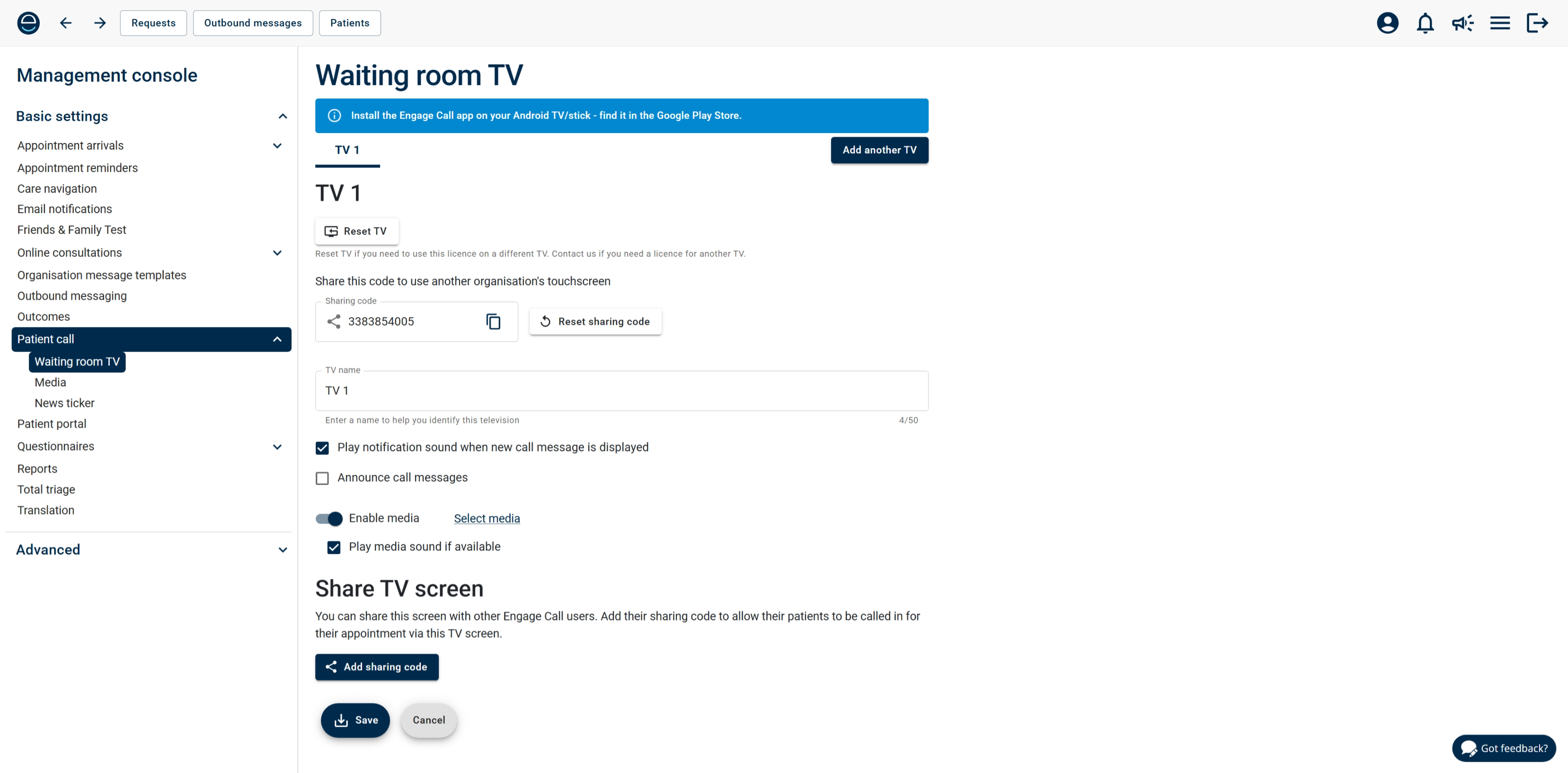
You can now share Engage Call on your waiting room TV with other organisations who have purchased a licence. Simply set up sharing in the Management Console by adding the sharing code of the organisations that you want to allow to share your TV. Their patient call messages will be displayed, but don't worry, you will have full control over the media displayed, sound, and notification settings for your TV.
Contact us for help setting up sharing, or if you would like to purchase Engage Call.
Engage Client
Staff accounts
We've added the following domains to our list of allowed domains when adding staff user accounts for the Engage Client: gov.im, gov.uk, hscni.net.
Bug fixes
Just the one little gremlin to tell you about this time...
- Outbound messaging - a validation error was incorrectly appearing for missing emails on bulk SMS