
Management Console
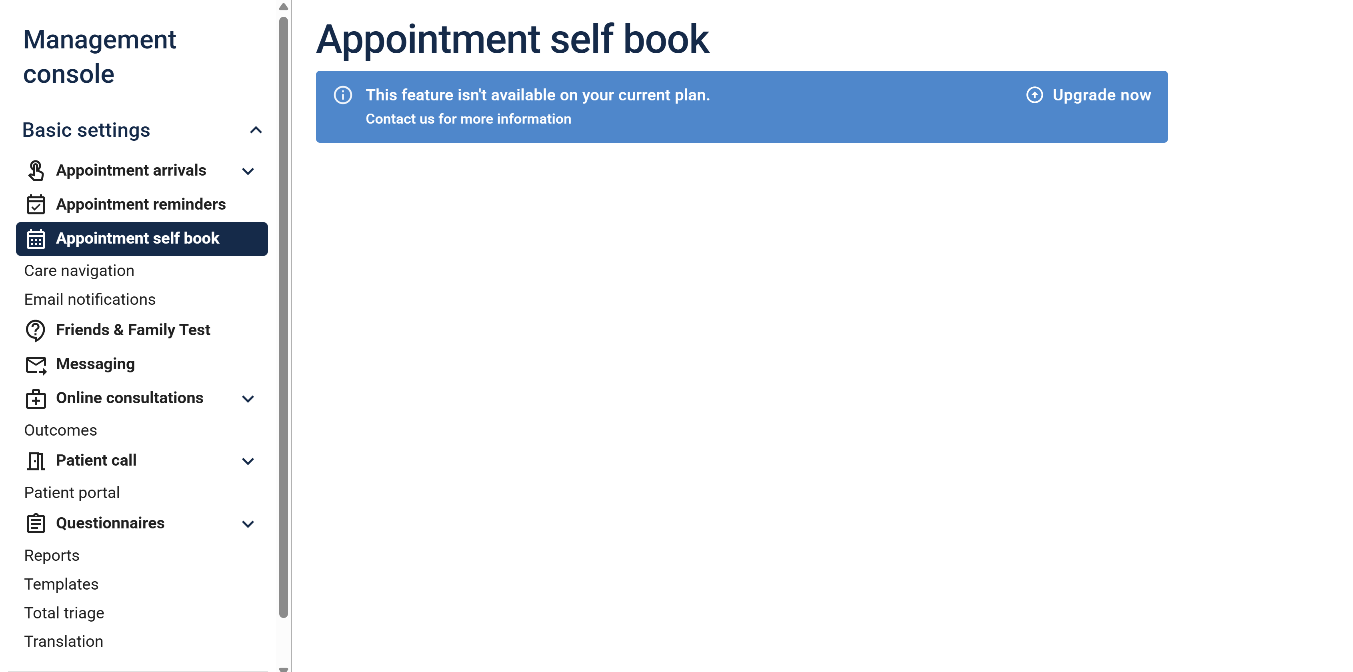
We've given the Management Console a little bit of love to ensure that you know about the main modules and features that Engage offers. See something you like that you don't currently use? Give us a call!
Messaging
Self-book appointment links
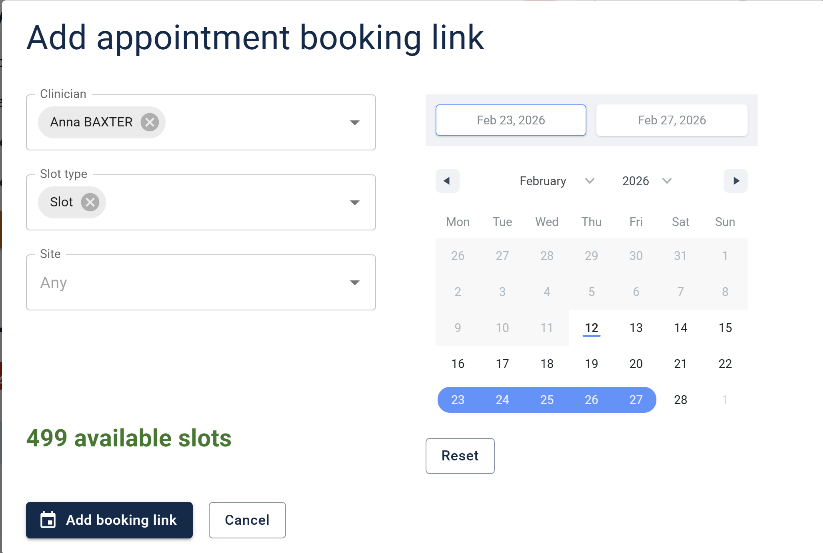
You can now include a self-book appointment link for patients to book an appointment that is convenient to them, in all outbound messages. You can tailor each booking link to ensure that the patient books in with the right clinician, appointment type, site, or time frame.
Total triage
Add your own questionnaires
You now have the option to add your own questionnaires when adding a request in the Engage Client on behalf of a patient. Your medical questionnaires will be offered when adding a medical request, and your admin questionnaires when adding an administrative request.
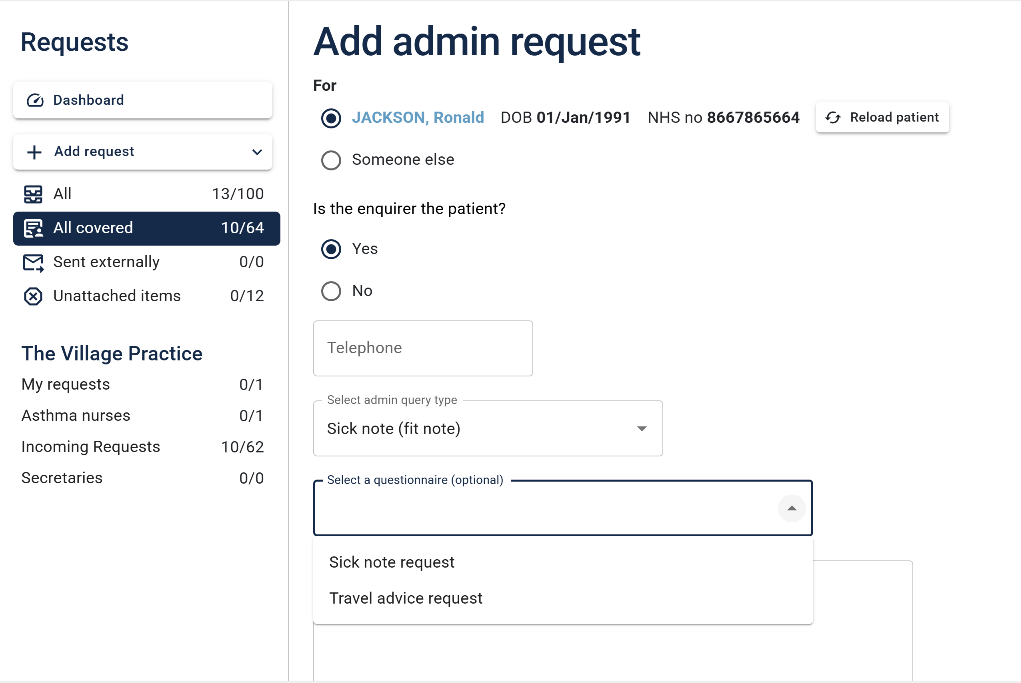
Your staff will then be able to complete the questionnaire on behalf of the patient and submit the request, ensuring that information is captured in a standard way.
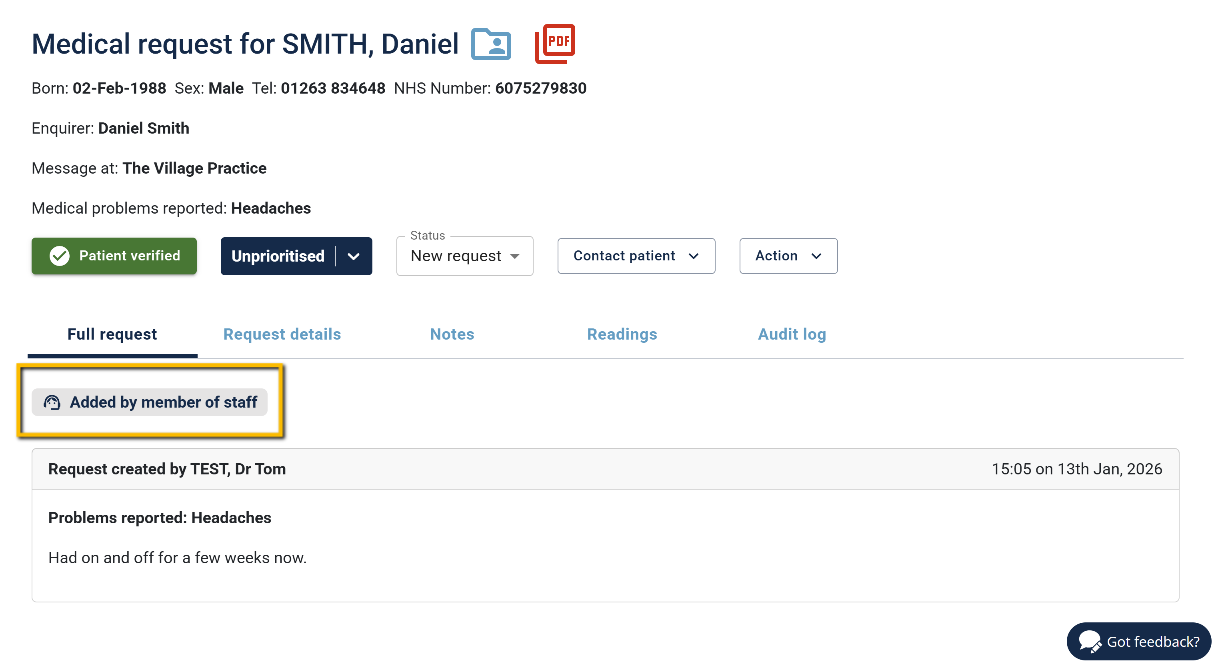
Request label
Requests created by staff members are now clearly labeled when viewed:
Online consultations
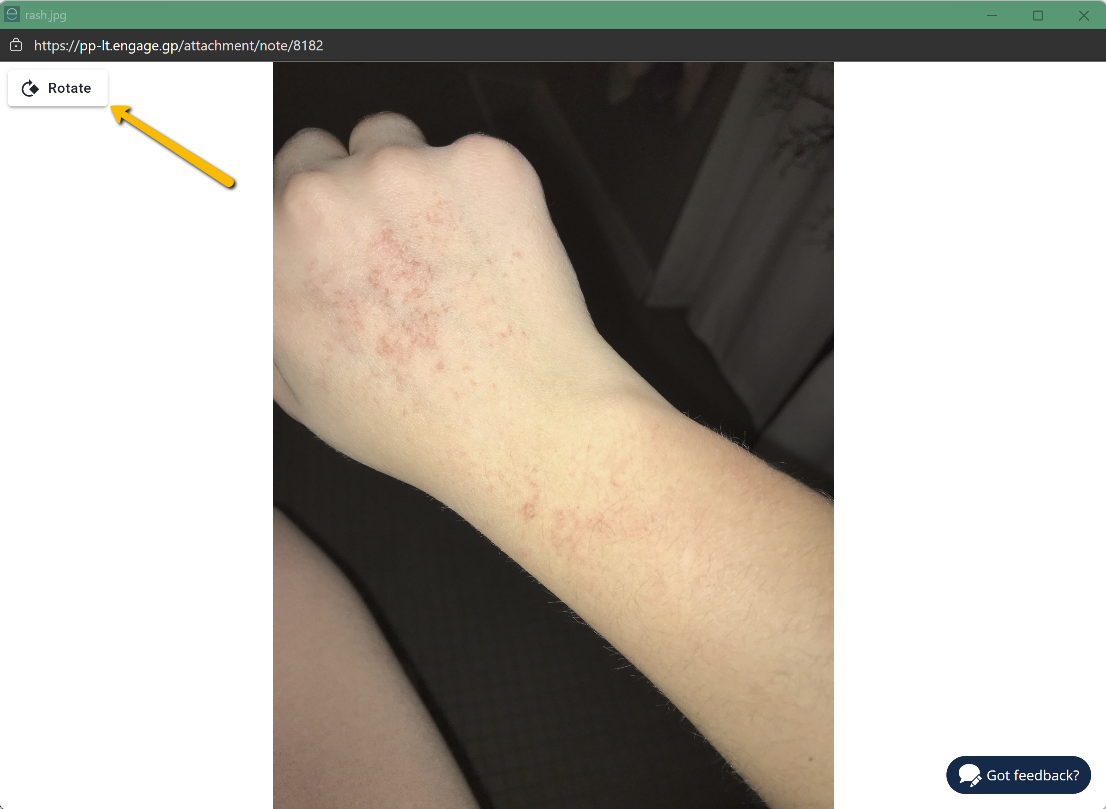
You asked, we listened — you can now rotate images submitted by patients.
Bug fixes
There are always a few {insert rolling eyes emoji here}
- Requests were being inserted into patient records, not at the correct time (only affecting EMIS Web and EMIS PCS customers).
- The clinical connection badge in the Engage Desktop Client did not update correctly when the client was re-opened
- Users were not being redirected to the request list after adding a note and opting to reassign
- Some SMS were incorrectly showing as pending - their status has now been checked and updated, and for those that were sent successfully, an entry has been recorded to the patient's clinical record.