Sometimes we will ask you to check on a certain PC for the Engage Agent, and ask that that PC is restarted for example.
If you can't tell which PC we are referring to when we provide a hostname, there's a simple way to check.
Opening Windows PowerShell:
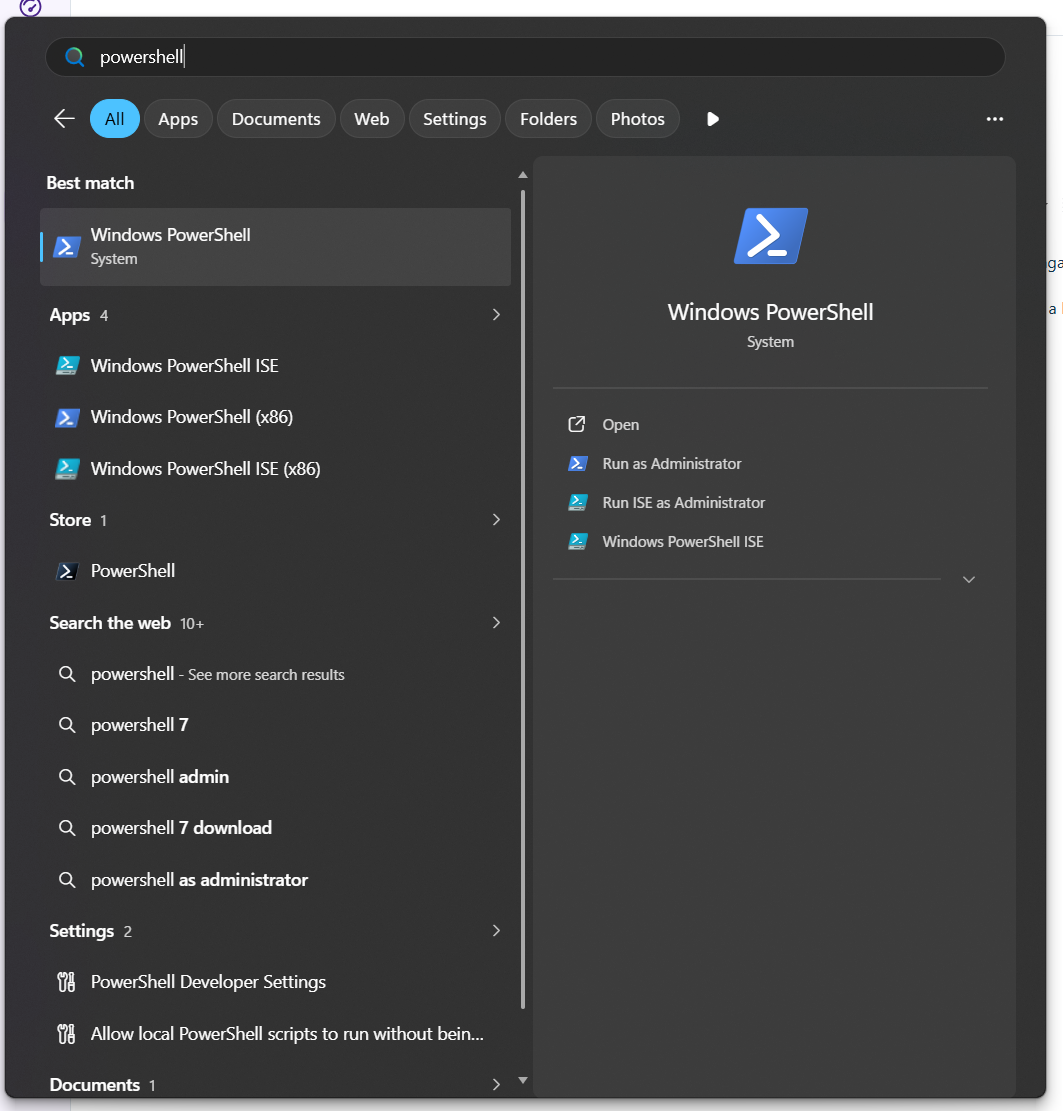
- Click on the start menu and start typing to search
- Search "powershell"
- Click "windows PowerShell" to open it
Using Powershell to find your hostname
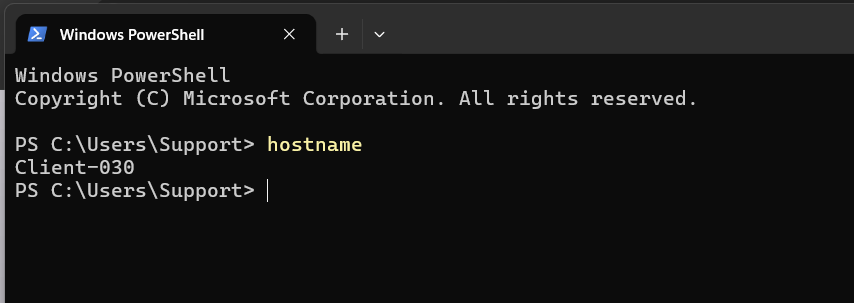
- In the PowerShell window, simply type 'hostname
- Press enter to confirm
- the hostname of your PC will appear