1. Plug a keyboard into the screen
2. Press "escape" to close down the browser
3. Tap "Settings" on the grey pop up that appears
4. Tap "Reset Browser" when the settings come up.
5. The screen should then re-launch the browser and show a pairing code.
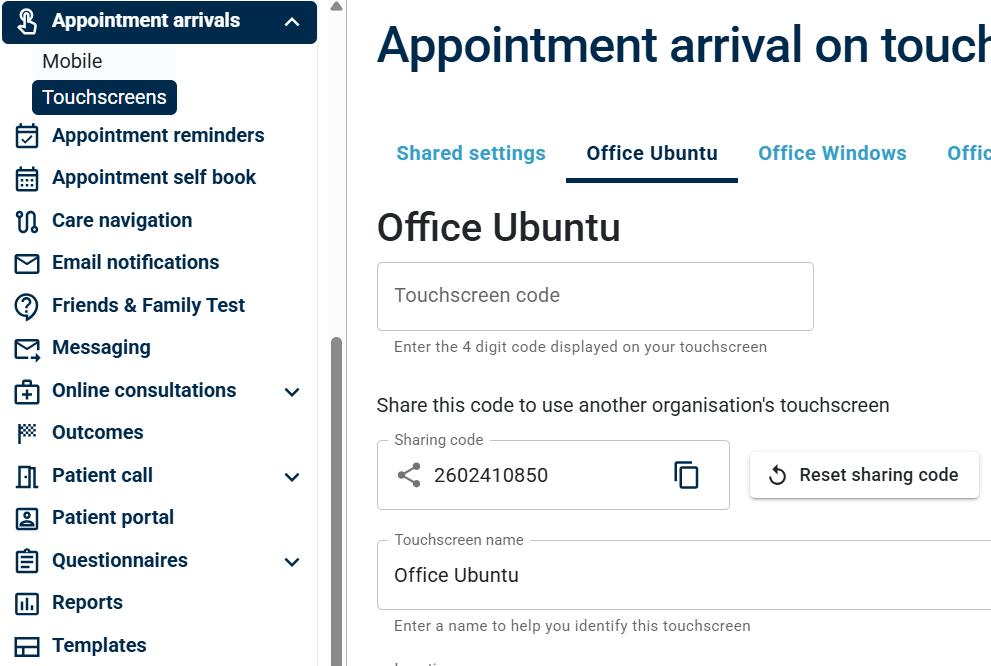
6. Log into the Engage Management console at https://lt.engage.gp/full/welcome/login
7. Under the management console reset your screen to show the box for the pairing code.
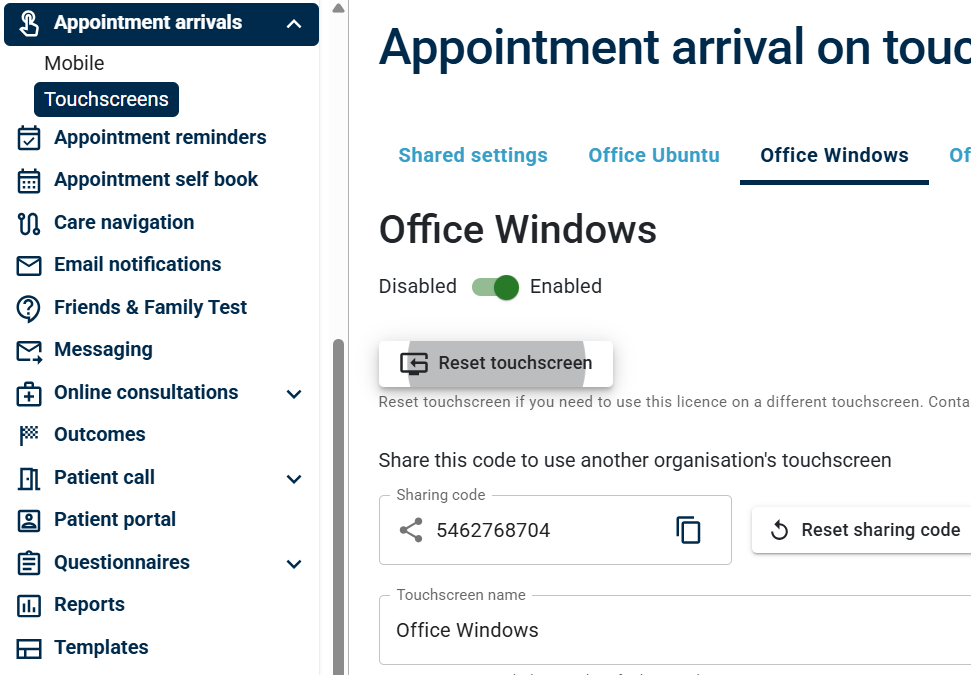 8. Enter the pairing code showing on the check in screen.
7. Under the management console reset your screen to show the box for the pairing code.
8. Enter the pairing code showing on the check in screen.